
Get good at Python, ten minutes at a time.
Reading slides doesn't teach you Python — writing code and answering questions does. Battle Tested turns that practice into short weekly sessions: quizzes on your phone, real code in your browser, and a team that gets stronger every time you show up.
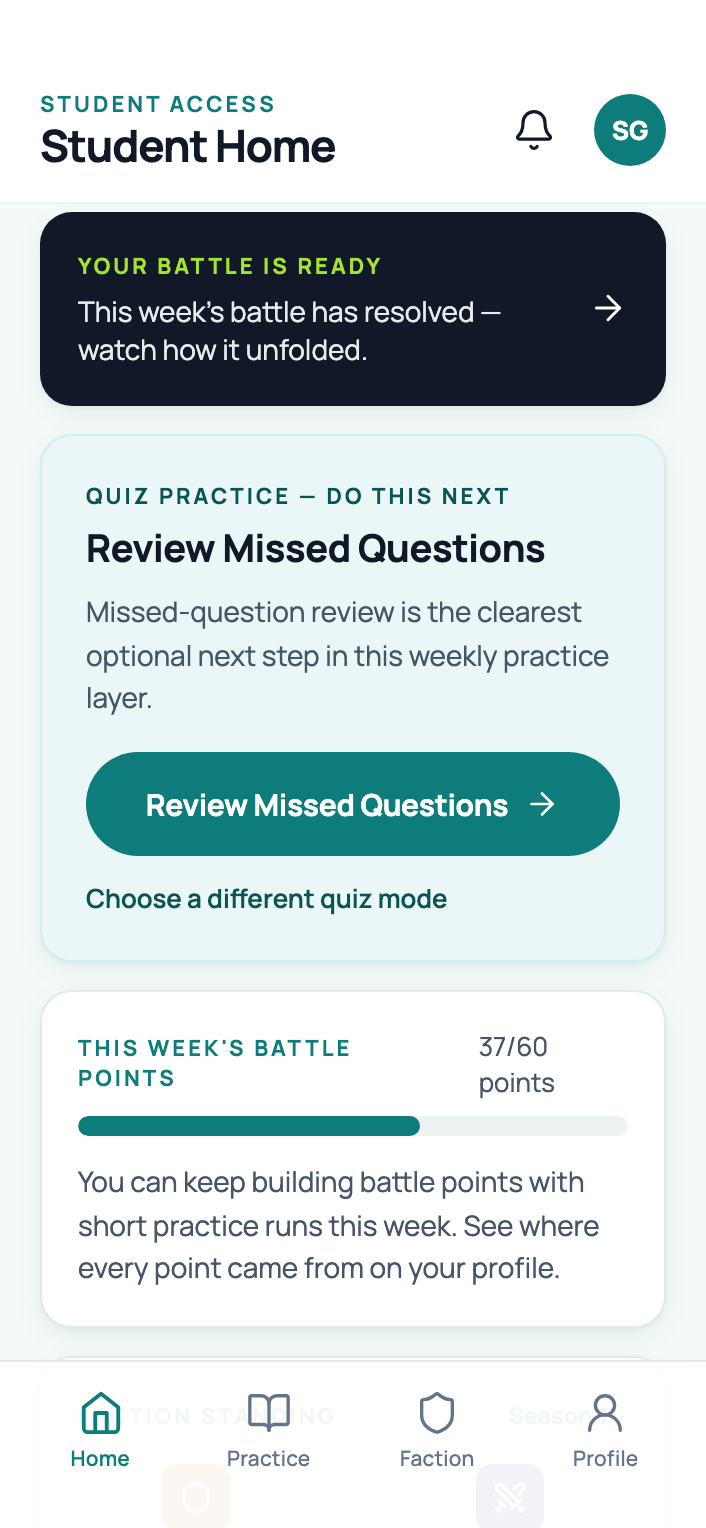
Real counts from this semester's course content. The app is new — built for this course, improving all semester.
One simple rhythm, repeated each week.
A little practice most weeks beats a heroic all-nighter every time. Here's the whole game:
Practice
Answer quiz questions matched to what your class is covering and clear real Python coding challenges. Whenever fits your week — a few questions between classes is enough to count.
Level up
Every attempt earns XP for your character and strength for your team. Showing up consistently matters more than getting every answer right.
Watch the battle
When the week closes, both teams' practice resolves into an animated battle replay — starring your own character — plus weekly titles like MVP and Level Up.
Three ways in — all of them count.
Every mode feeds the same week. Pick what fits the moment — your team gets credit either way.
Quiz drills
Short multiple-choice sets matched to each week's material. Filter by level, retry what you missed, and knock out a handful between classes — they're built for your phone.
Code challenges
Real Python you write and run in the browser — nothing to install. Test cases grade your program instantly, and a hint ladder nudges you step by step before it ever shows a line of the answer.
Field repairs
A weekly debugging exercise: read realistic broken code, find the fault, fix it, and leave a field note. Then set it beside two classmates' notes and pick the clearest explanation.
Built around how you actually learn.
The game layer is thin on purpose. Underneath it are three of the most reliable findings in learning science.
Recalling beats rereading
Pulling an answer out of your own head strengthens memory far more than re-reading notes ever will. Every quiz question and coding challenge here is retrieval practice in disguise.
Weekly beats cramming
Practice spread across the semester sticks; cramming evaporates. That's why each week counts on its own — weekly extra credit only counts XP earned that week, and a weekly XP cap makes steady practice the strategy that wins.
Showing up counts
Scoring weighs participation over perfection, roughly 60/40. Wrong answers still move you forward, and correcting a question you missed earns a bonus. One catch: answers that come too fast earn nothing — if you can honestly answer that fast, move up a level.
Your practice powers a team.
The first few weeks are the Proving Grounds — a solo warm-up while everyone finds their footing. Then the class splits into two balanced teams and the weekly battles begin. Every legitimate attempt strengthens your side, and the replay is the payoff — watchable on your phone, with your own character on the field.

Built on precision and recovery. Turns missed questions into next week's edge.

Rewards steady, broad effort. The team that shows up together, week after week.
Levels up as your XP grows, all semester. Pick any name — classmates never see your real one.
Your contribution to your team's strength this week. They reset when the battle resolves.
Watch the week's battle unfold, then read the plain-language recap of why it went that way.
Teams are split automatically — no sorting by skill — and standings reset so no one is permanently ahead.
Five free points are five free points.
Practicing is what actually teaches you Python — so this semester, steady practice earns extra credit on your final grade. Here's the deal:
One requirement a week
Your instructor posts each week's requirement as a Canvas assignment. It changes week to week — one week a certain amount of XP, another week trying a specific feature.
How you practice is your call
Most weeks won't tell you exactly what to do. Quizzes or coding, beginner or advanced, new material or review — you're the best judge of what you need to work on, and deciding is part of the learning.
A third of a point per week
Complete the week's requirement and it goes straight onto your final course grade. Fifteen weekly chances — 5 points total. Near a grade cutoff, that's easily the difference between two letter grades.
Weekly means weekly
Each requirement must be completed during its week — no late credit, no makeups, no cramming ten weeks at the end. Steady practice is the whole point: it's what actually teaches you Python.
The weekly Canvas assignment is always the authoritative source for each week's requirement and deadline.
Straight answers.
Does this affect my grade?
Can classmates see my scores?
What if I miss a week?
Phone or laptop?
Do I need to install anything?
Something's broken, or I have an idea
Your team is waiting.
Sign in with your school email, pick a character name, and start earning XP in the next ten minutes.